Console
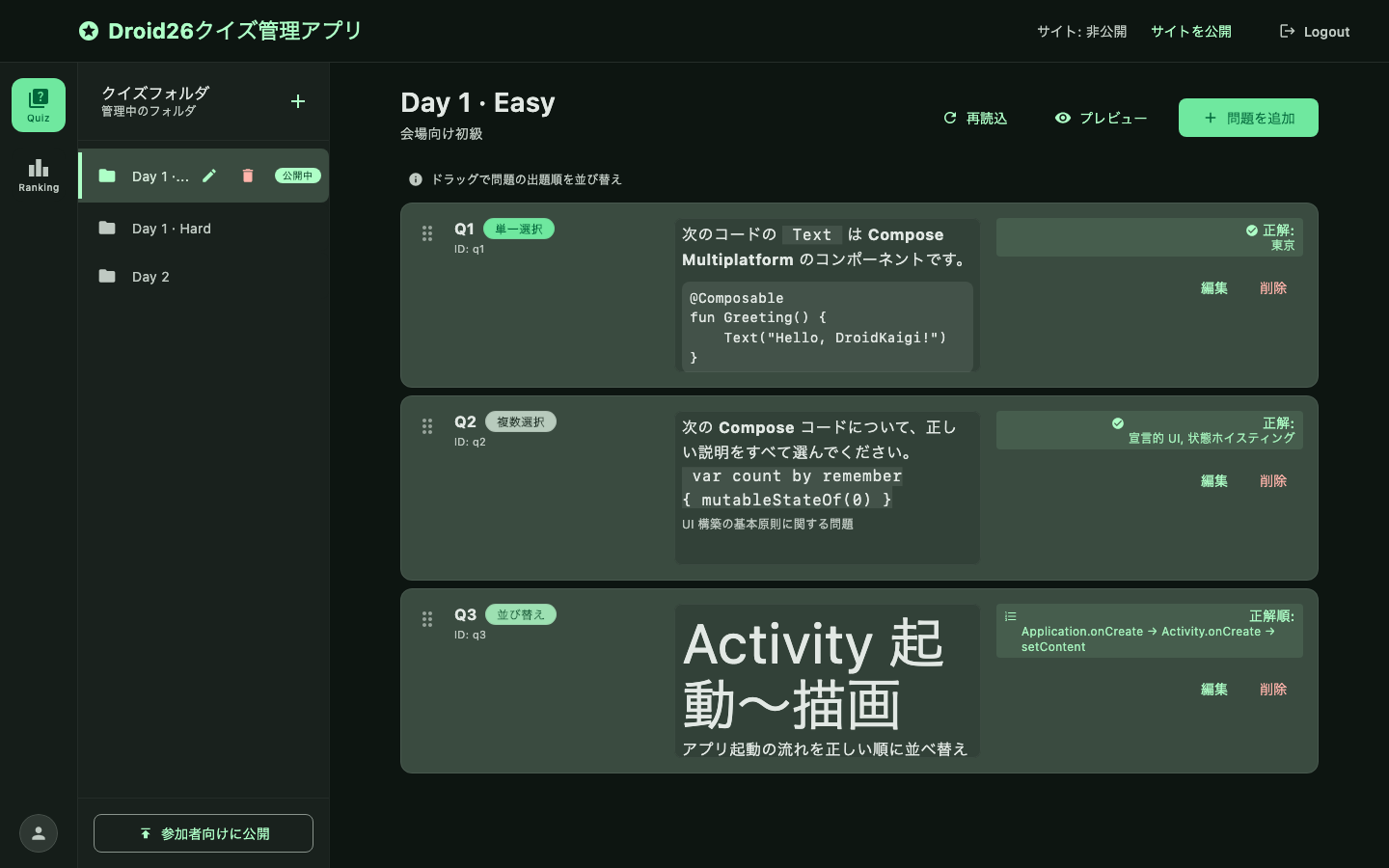
Main screen after sign-in: quiz editing and ranking.
Quiz management
Select a folder (quiz set), edit questions, and switch folder publish state. The top bar toggles site-wide intake (sitePublished); Preview on the question list plays the participant UI.
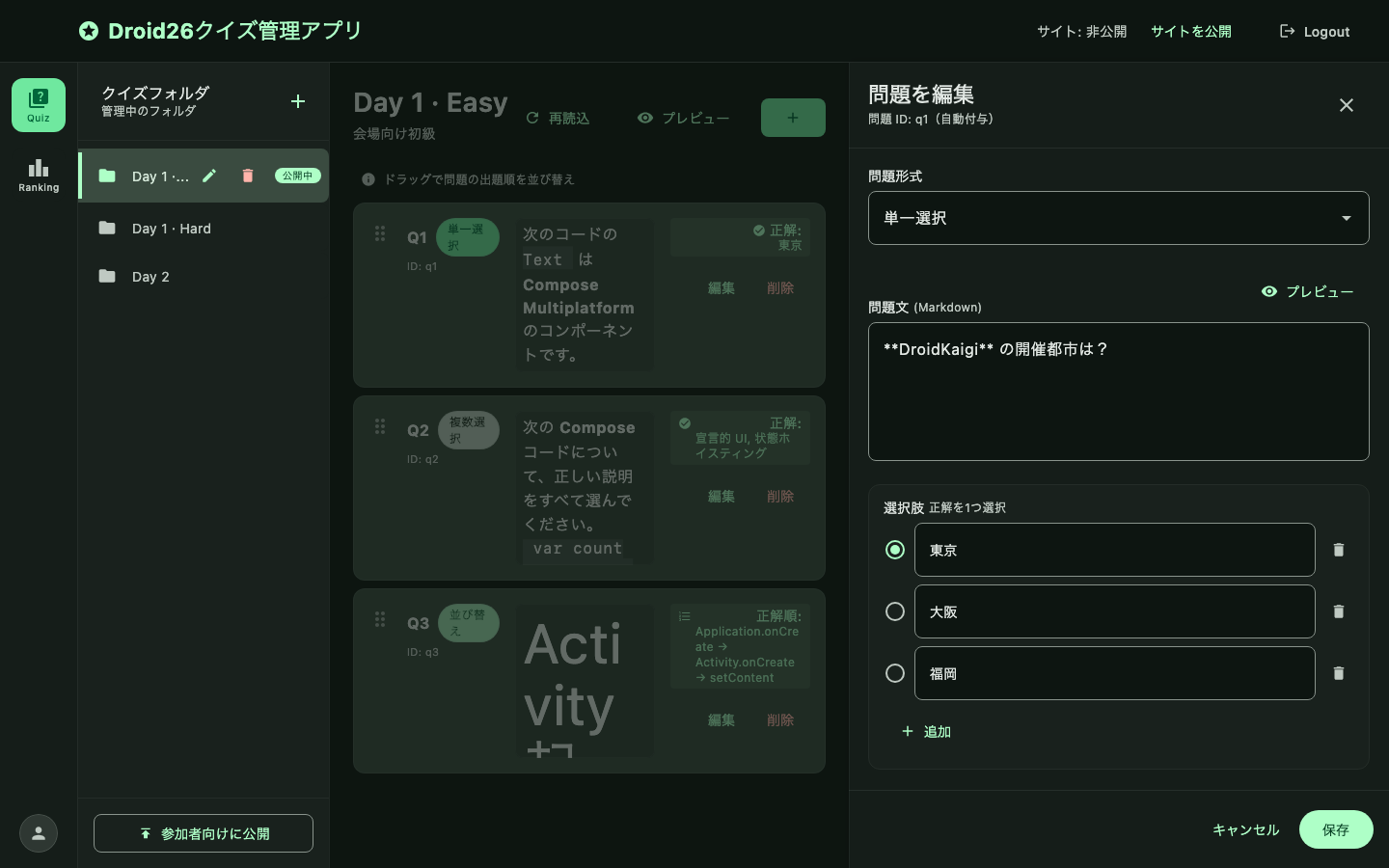
Question editor
Configure single / multi / reorder questions and preview explanations.
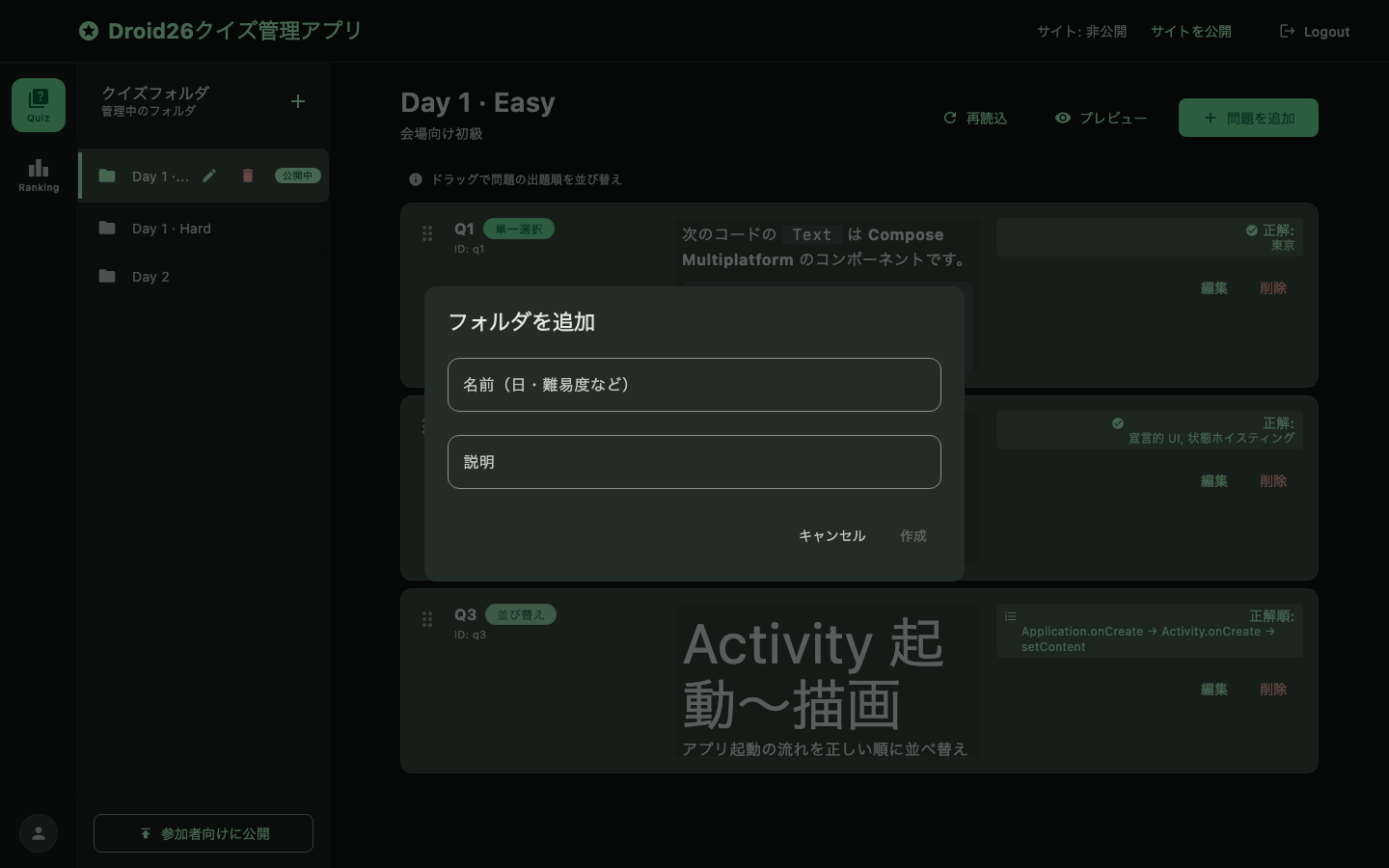
Create folder
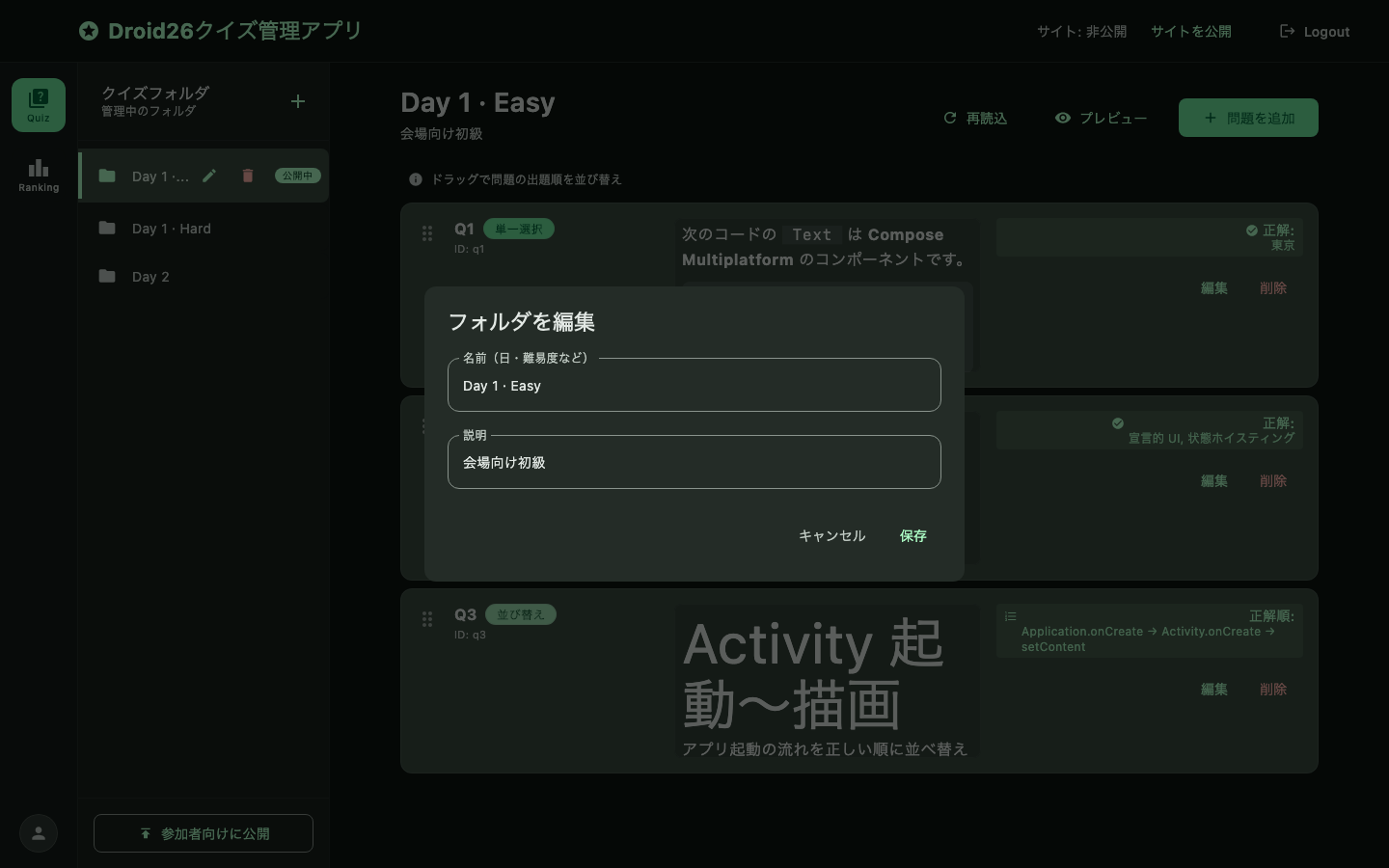
Edit folder name / description
The pencil icon on the selected sidebar row renames a folder and updates its description after creation. Questions are untouched.
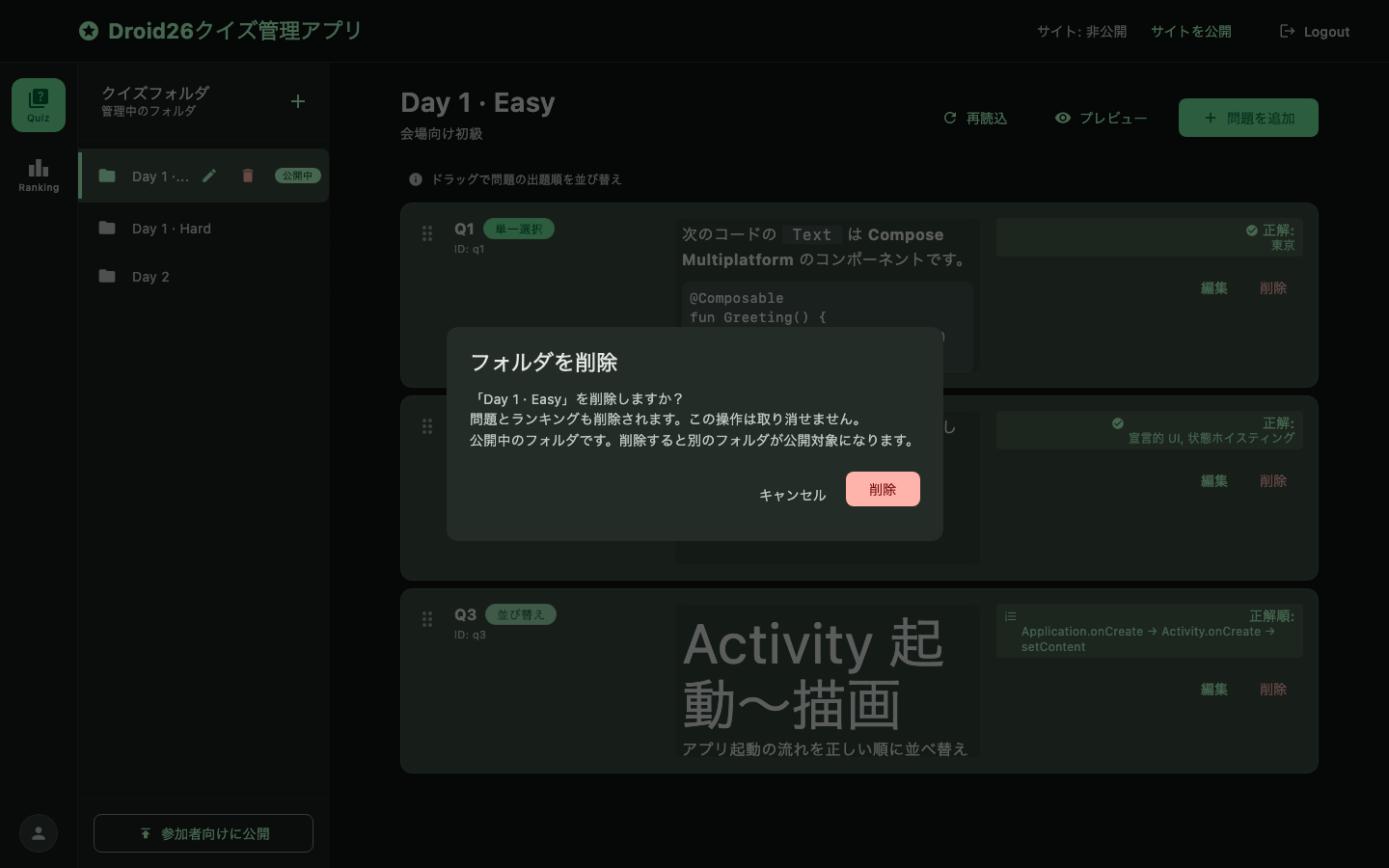
Delete folder
The trash icon on the selected row deletes the folder after confirmation, including its questions and rankings. The last remaining folder cannot be deleted. Deleting the published folder promotes another folder as active.
Publish confirmation
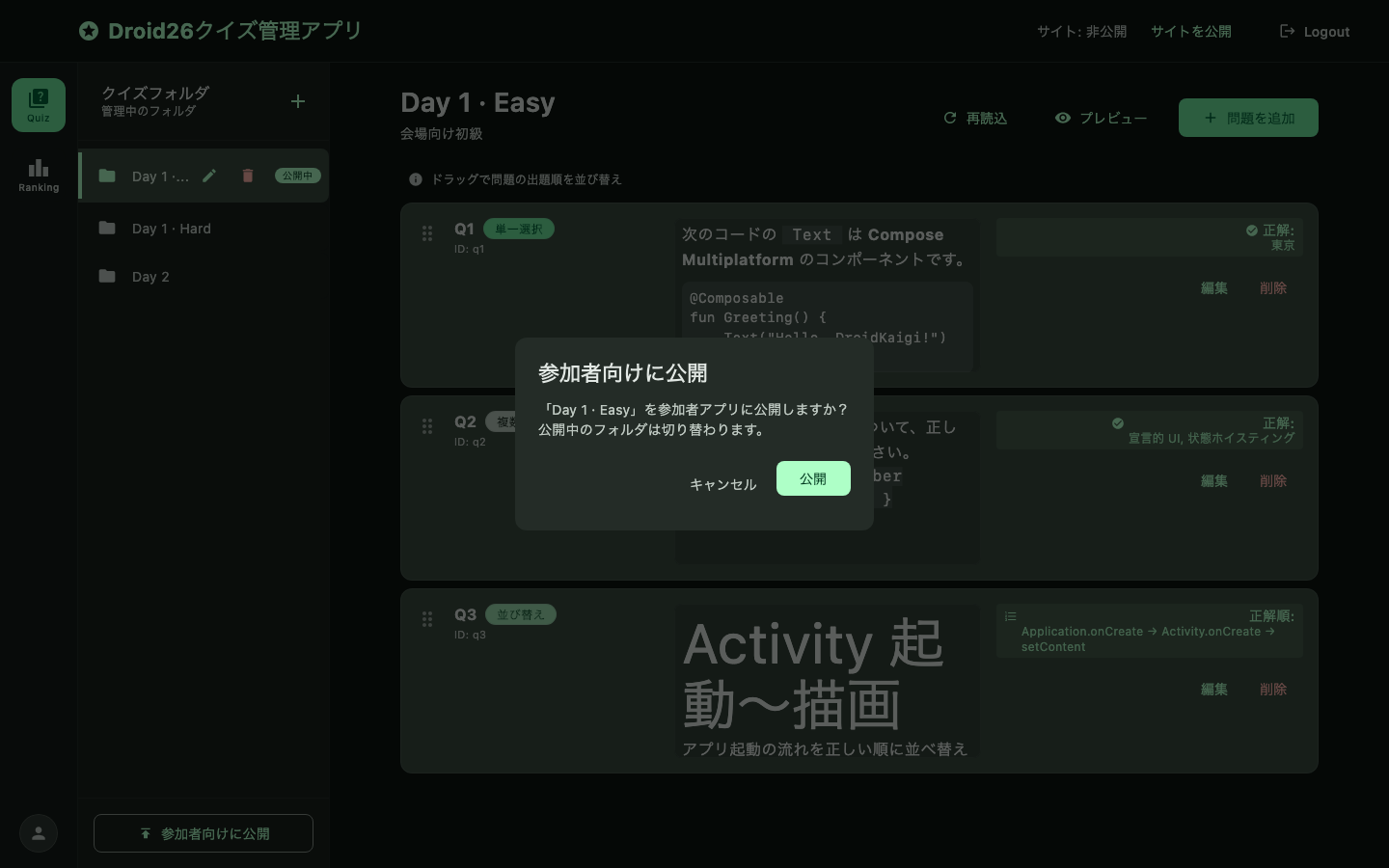
Participants already answering stay on the folder they started, and their score is recorded in that folder's ranking. The switch only applies to participants who start after it.
Other states
| State | Preview |
|---|---|
| Delete confirm | 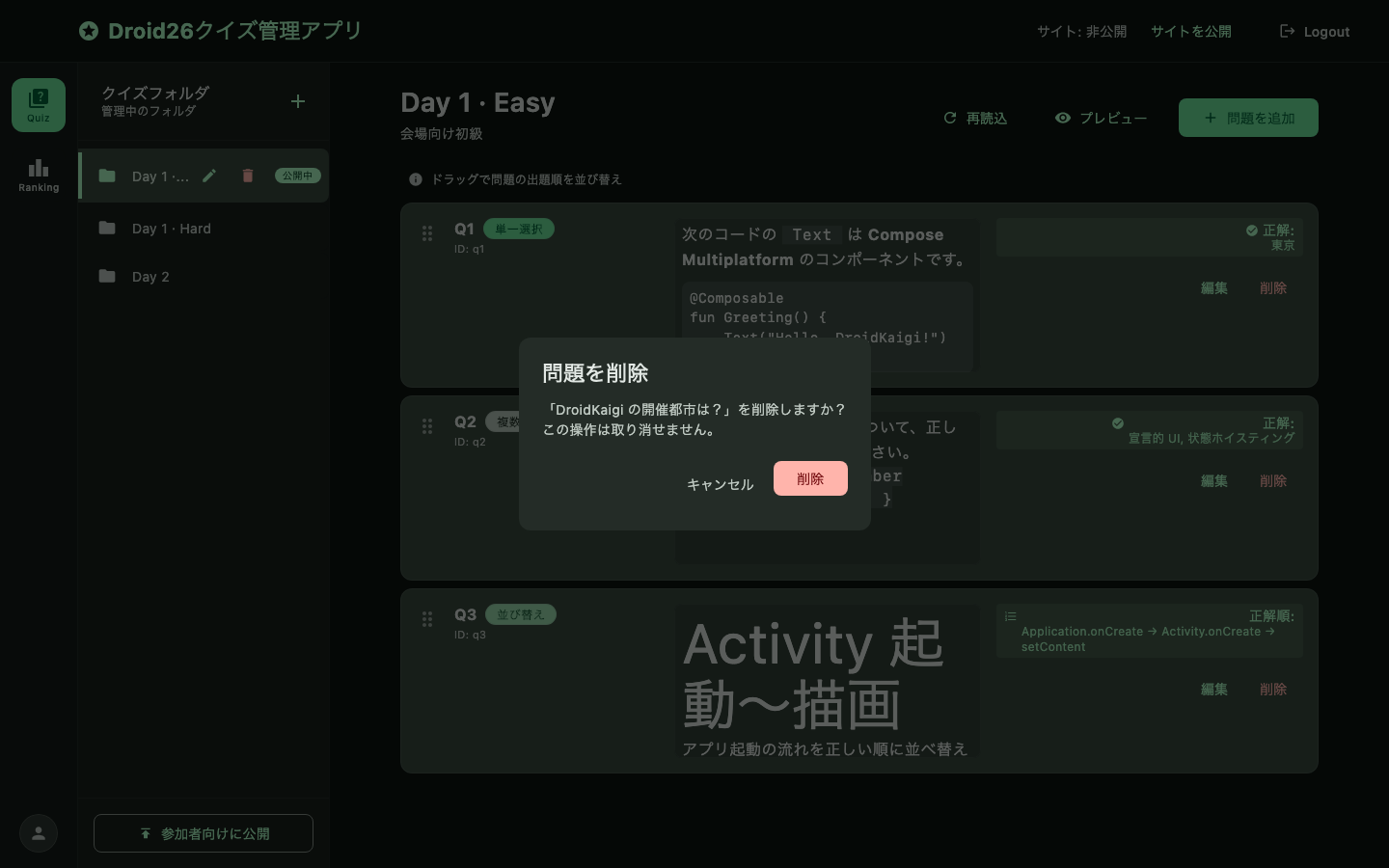 |
| Empty questions | 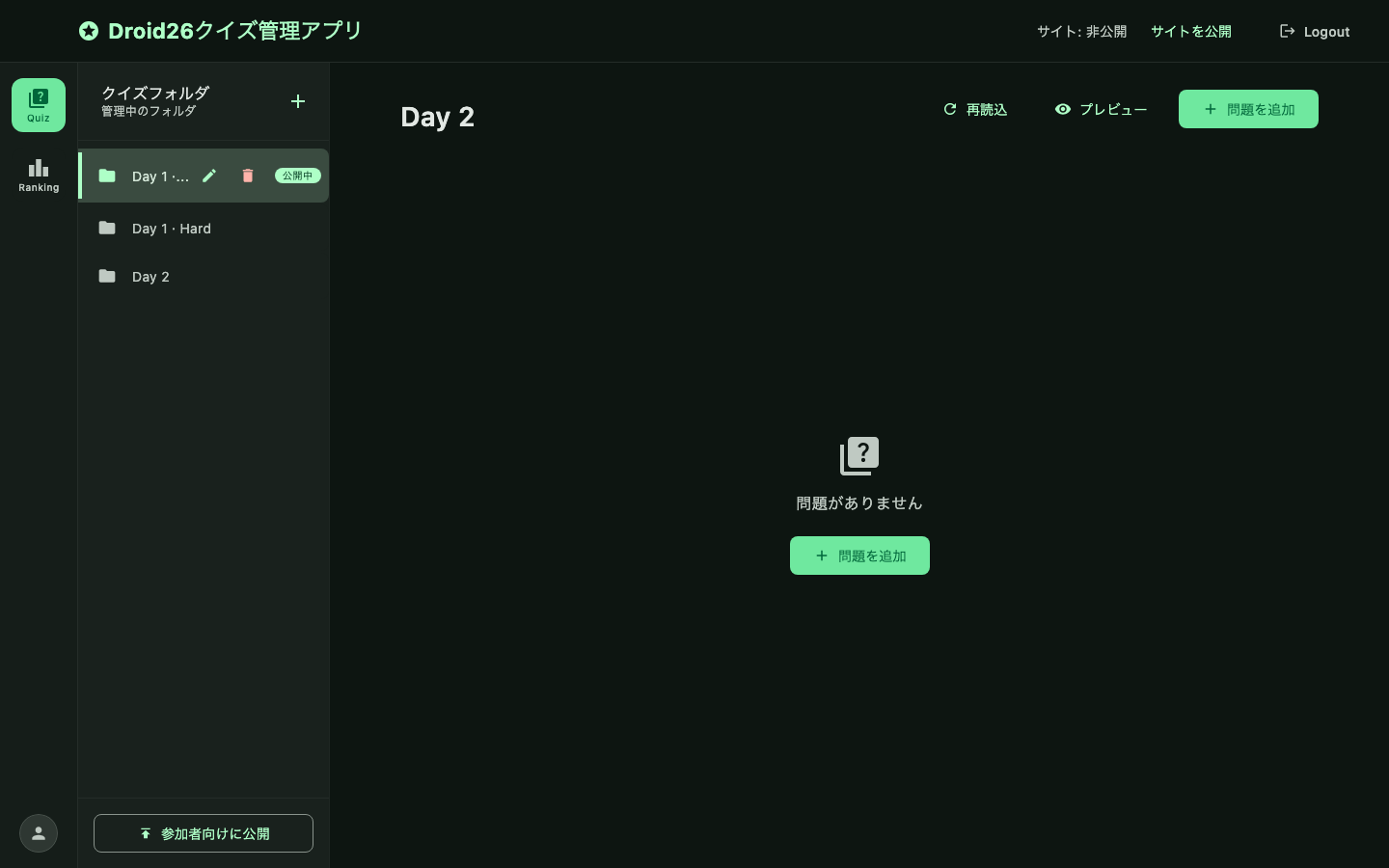 |
| No folder selected | 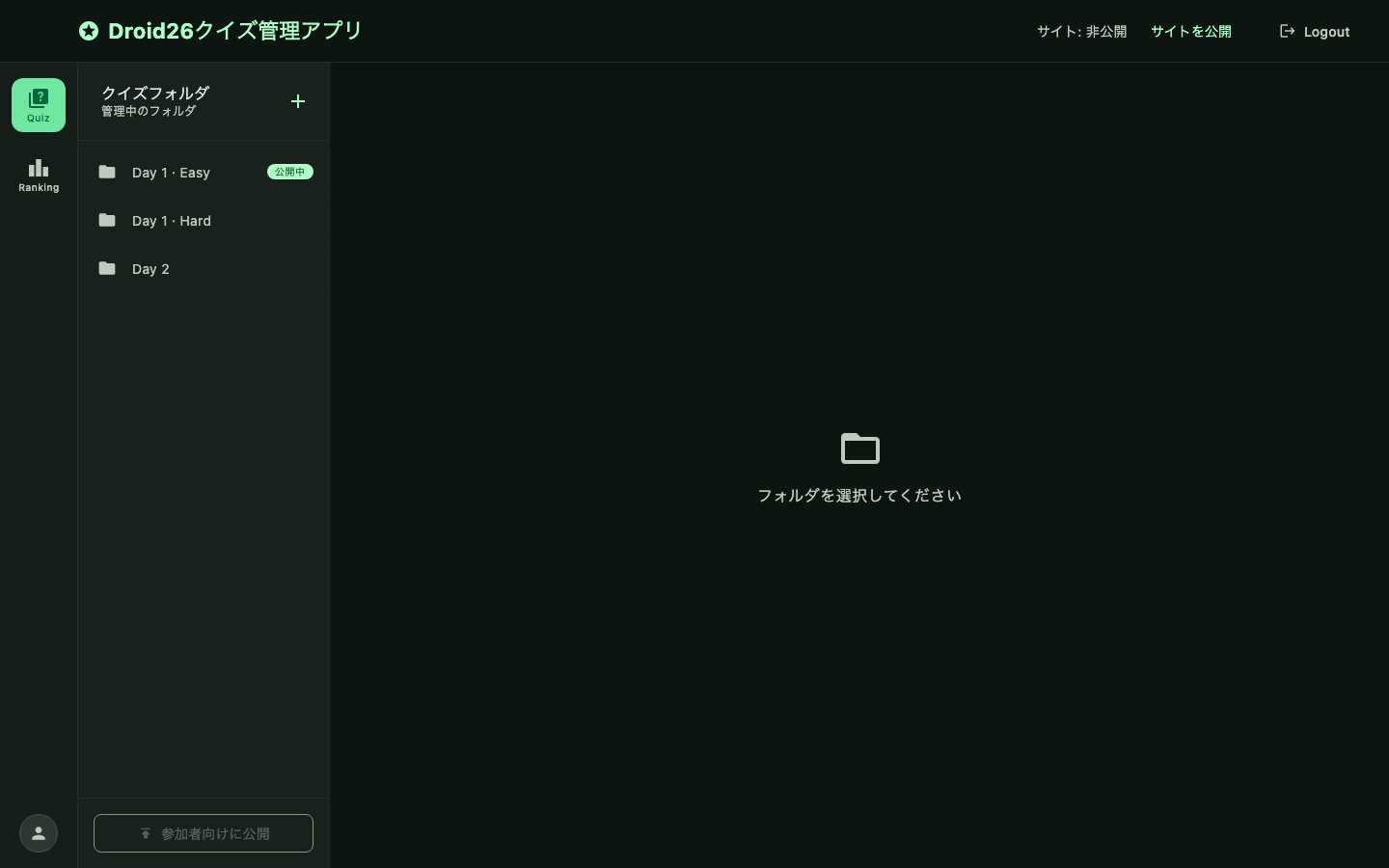 |
Ranking management
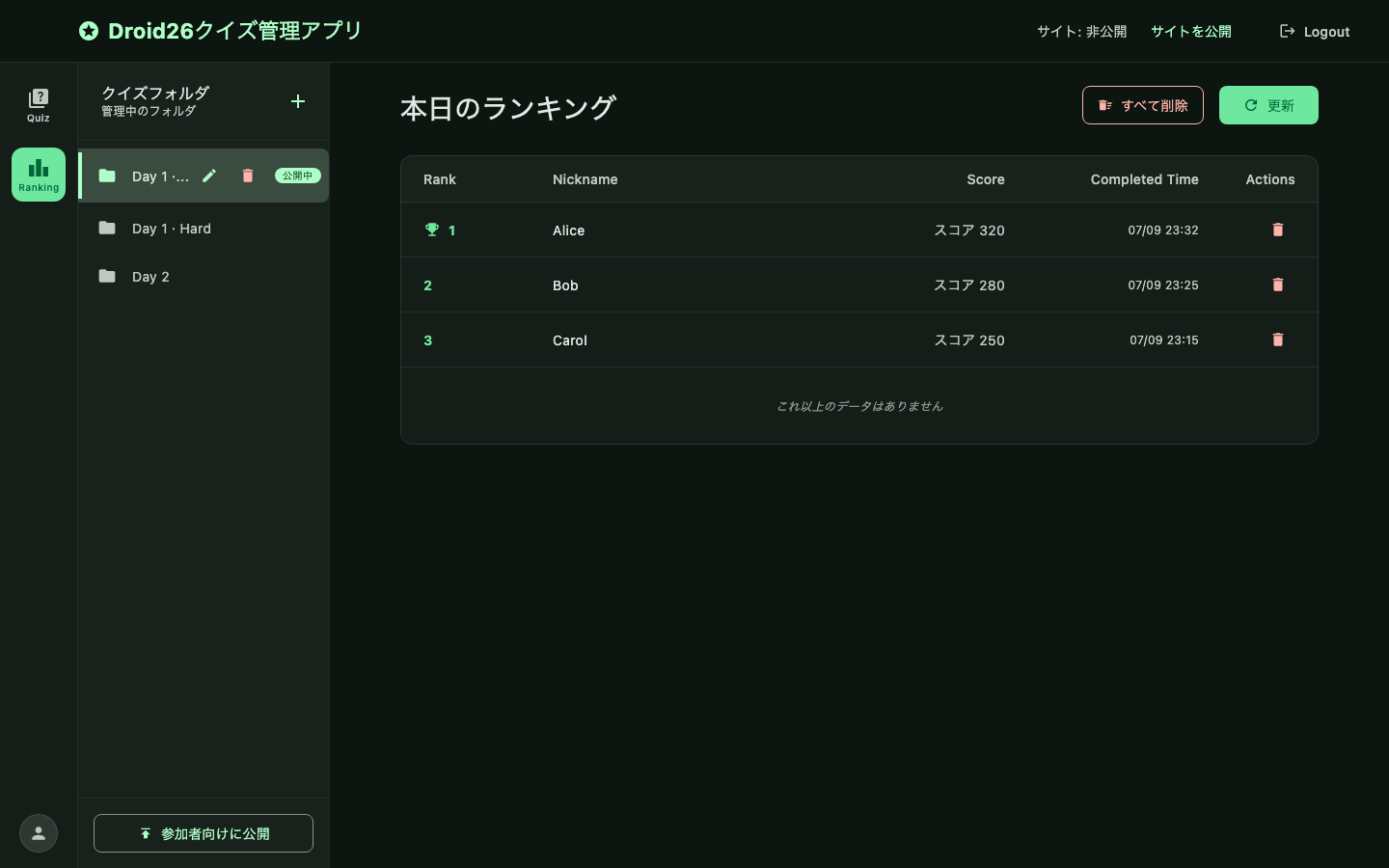
View and delete today's rankings for the selected folder.
- Delete one: trash icon on a row → confirm dialog → delete
- Delete all today: 「すべて削除」→ confirm dialog → clear today's entries
| Confirm | Preview |
|---|---|
| Delete one | 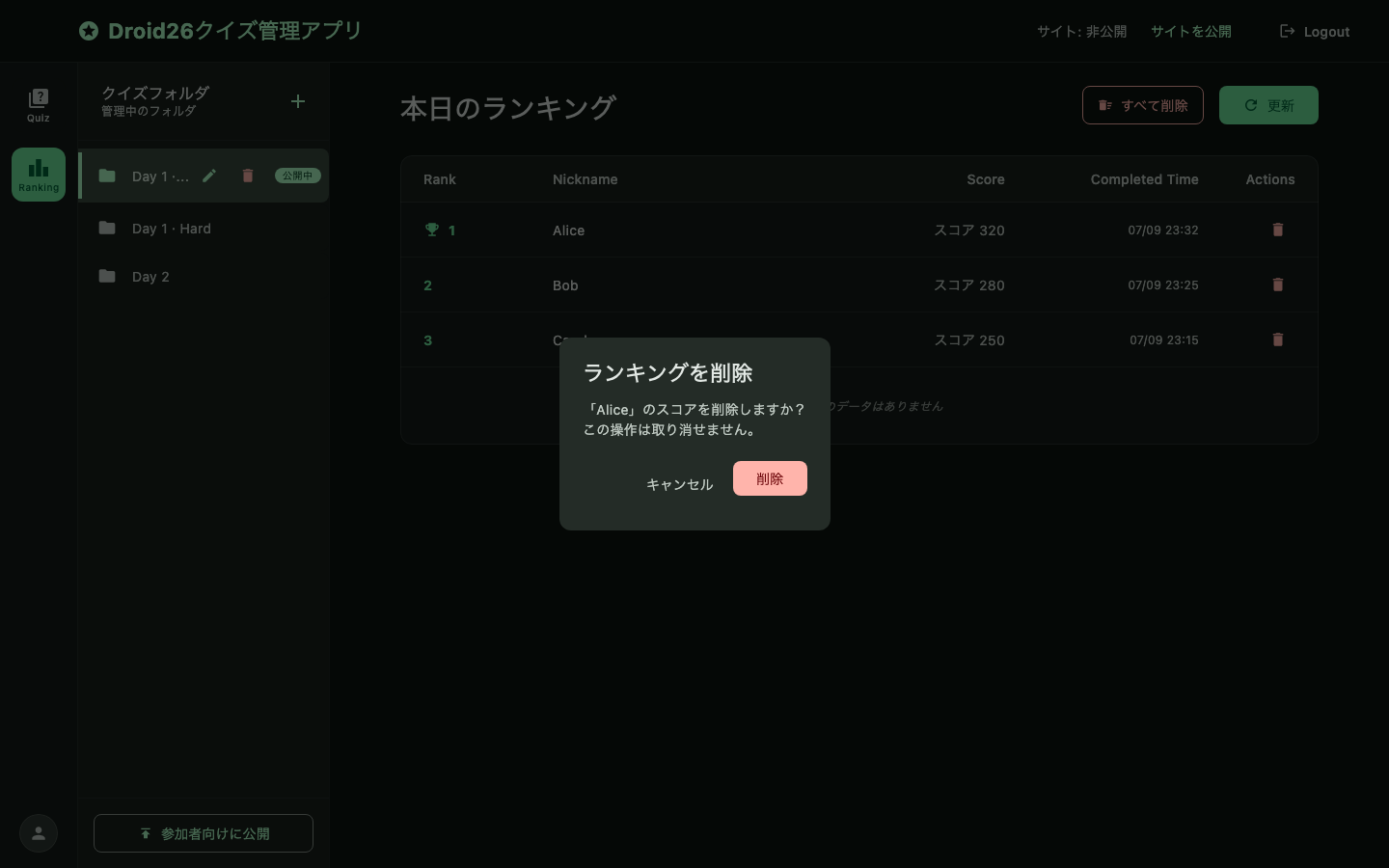 |
| Clear today | 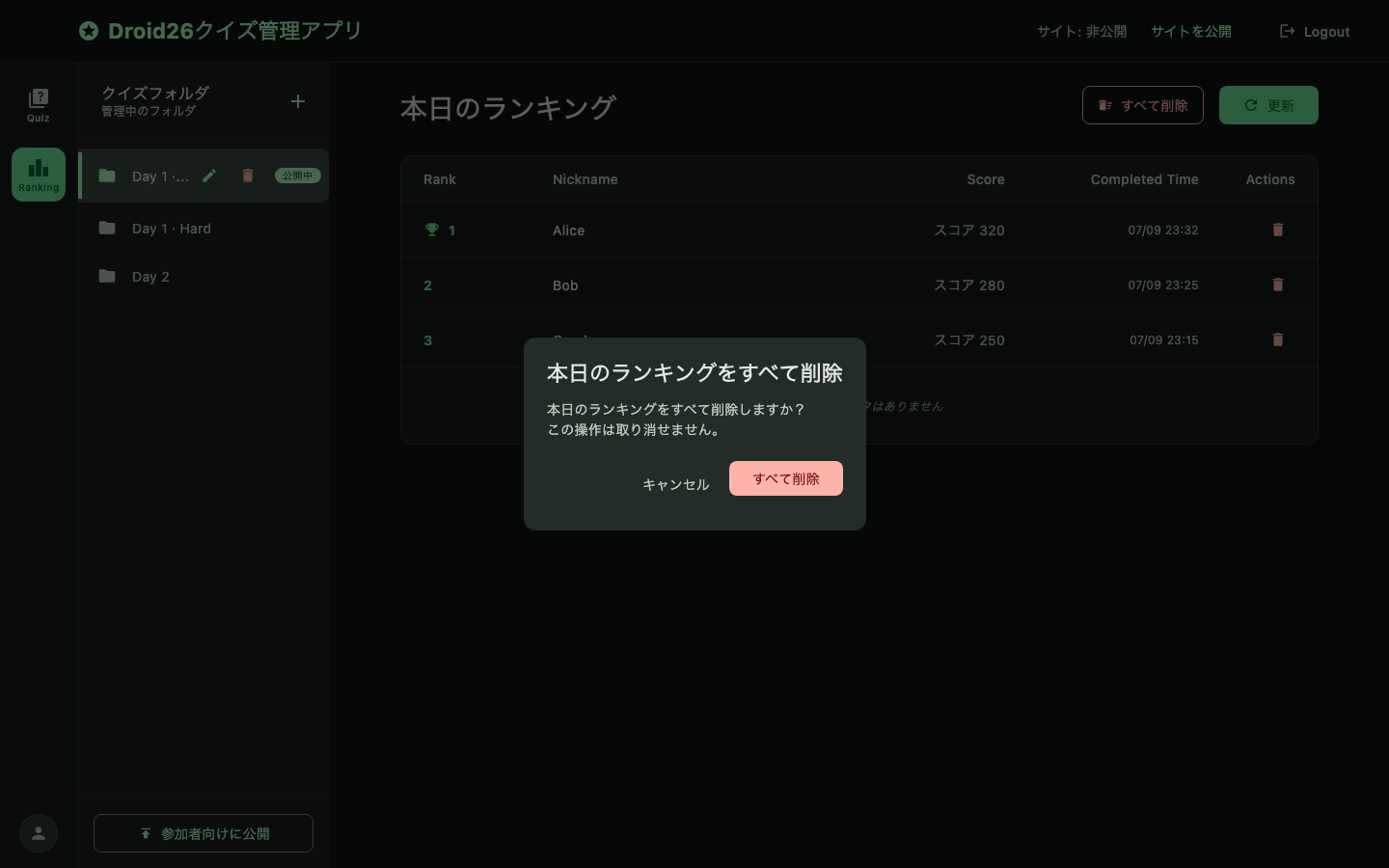 |